
Online orders and takeaway: build a flow alongside table service
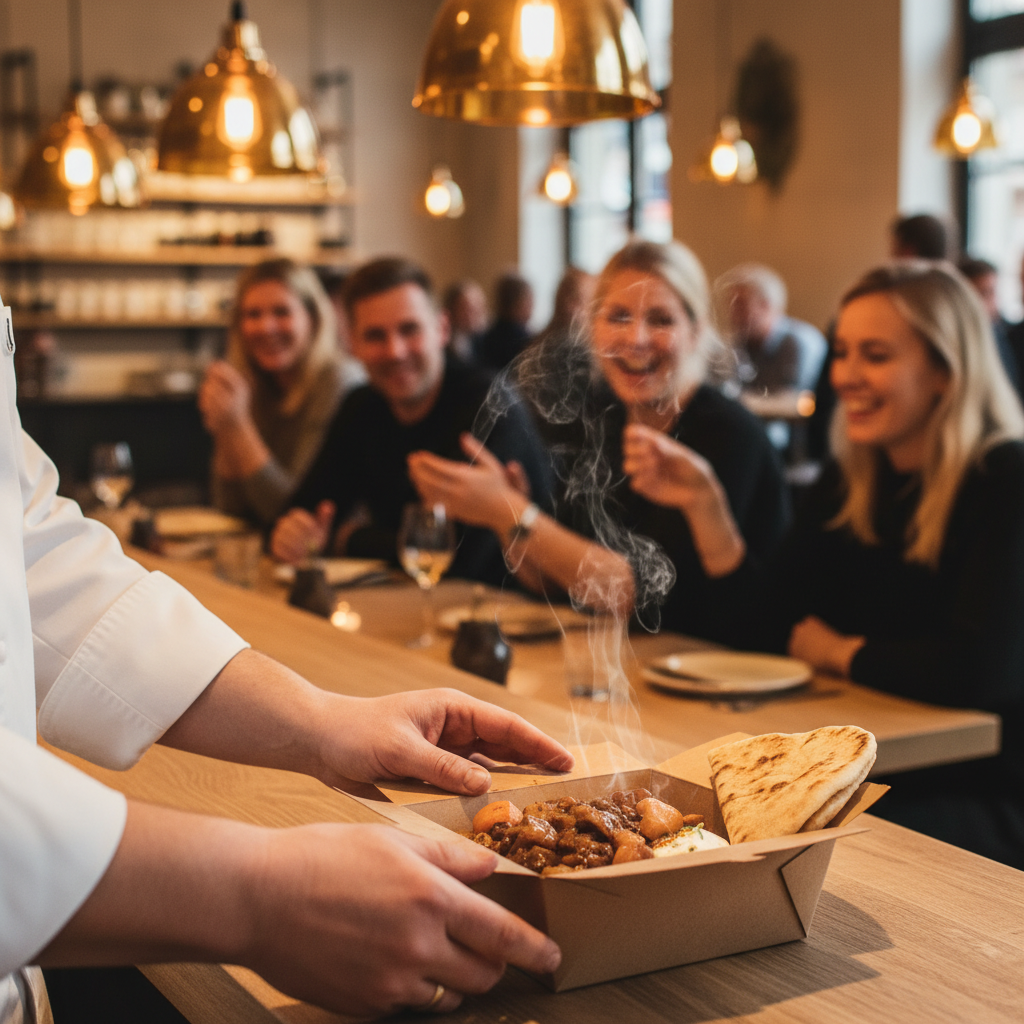
How can I accept takeaway orders without overloading table service?
Plan how many takeaway orders the kitchen can handle alongside bookings, bring connected orders into the POS and route them to the right stations. Assign responsibility for packing and collection. Communicate times based on actual capacity and review delays.
Sending a takeaway order directly to the kitchen avoids entering it again. It does not give the kitchen extra hands. A good online workflow must therefore address both the information and the work after the order arrives.
Start with a typical fully booked evening: which stations fill up first, and who can pack while dining-room dishes need to leave the pass?
Keep item information consistent
Vendion Online receives orders in the same system as the POS. Check product names, modifiers, prices and each item’s routing. If you also use external delivery platforms, confirm each connection and what it supports. Integrating one service does not imply support for all others.
Try an order with several modifiers and a change or refund. Check both the kitchen display and how the order appears in sales reporting. Learn more about integrations.
Make the channel and handover clear
Vendion KDS can display the channel, order details and status. Item-based routing helps distribute work between stations.
The kitchen needs to know whether food goes onto plates or into containers. The person packing needs to see whether the entire order is ready, including cold sides and drinks. Decide who makes the final check before handover. “Ready in the kitchen” and “collected by the guest” are different events.
Plan around the busiest station
Consider what can be prepared within a time window while cooking dining-room orders. An order for six mains creates more work than one dessert; order count alone may be insufficient.
Set realistic collection times and decide who can pause or limit the ordering channel when needed. Communicate changes to guests already affected. Do not assume AI automatically extends the times on every external platform when the kitchen becomes busy.
Give collection its own space
Create a clear route from the entrance to collection, without waiting guests or couriers blocking the dining room. Signage, order numbers and a designated contact may matter more than another screen.
Prepare packaging and accompaniments before the rush. Test how the food handles the interval between completion and collection. Follow kitchen procedures for temperature and storage, and keep orders separate so each guest receives the correct bag.
Rehearse exceptions
Try late collection, a missing drink, a payment requiring checking and an item running out after an order. Decide who contacts the guest and records the resolution.
Review waiting times, corrections and refunds by channel after service. This reveals where the process needs adjusting. Software can provide shared order information; capacity and responsibility still need planning. See Vendion live using an example from your evening service.
Ready to see it live?
Book a demo, read more about the product or get started directly. One platform. All support. Zero hassle.
No lock-in. Switch whenever.